The trigger is identified
A PMS event, a schedule, a request, a checklist or an incident starts the right process.

HOPR turns PMS events, guest requests, schedules and field actions into tasks that are assigned, prioritized, escalated and tracked through to resolution.
Your operating rules become executable workflows, without taking control away from managers.
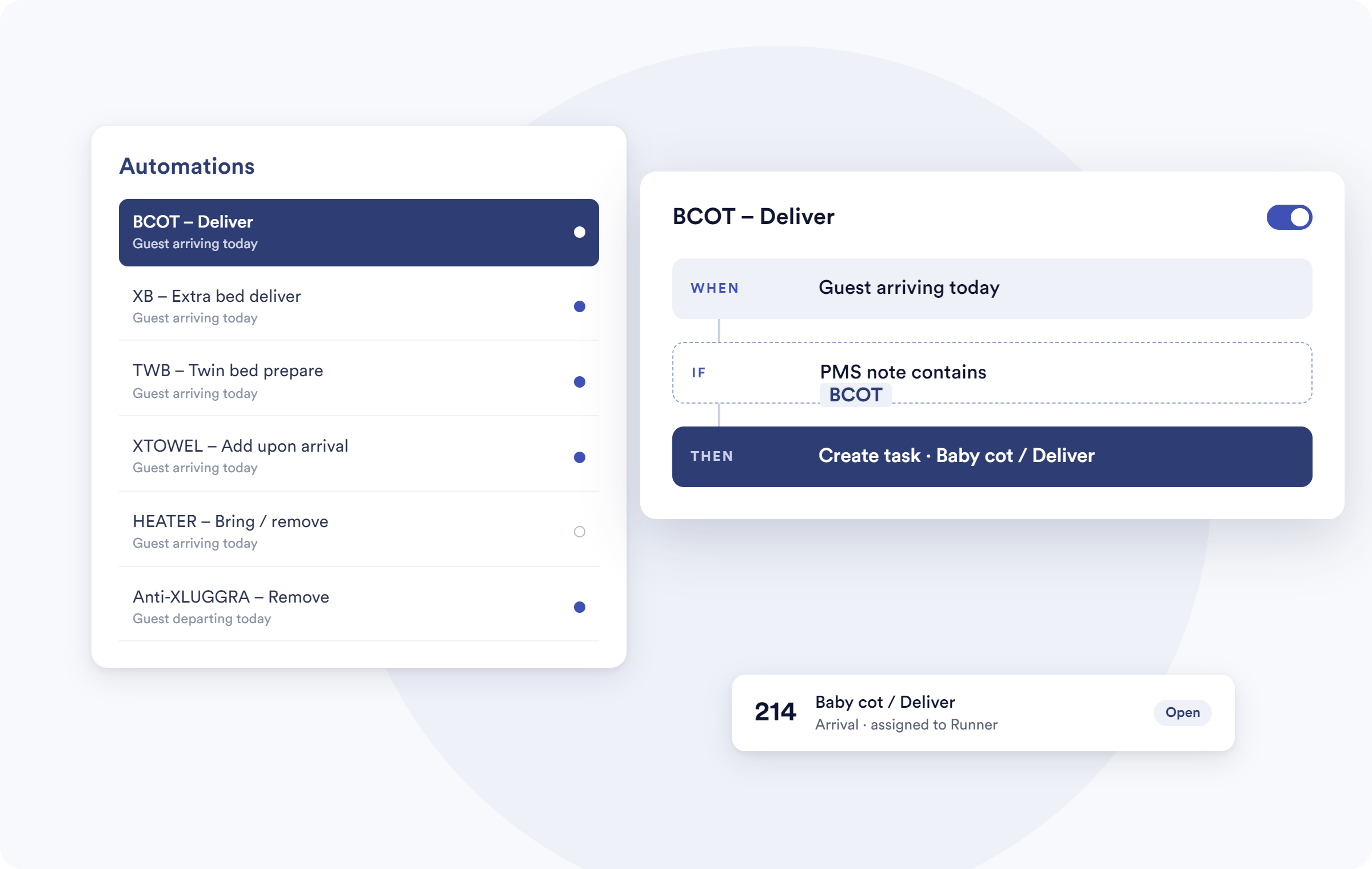
An arrival changes, a guest request comes in or a task runs past its deadline: HOPR turns that context into work that is assigned, prioritized and tracked, with no chain of manual follow-ups.
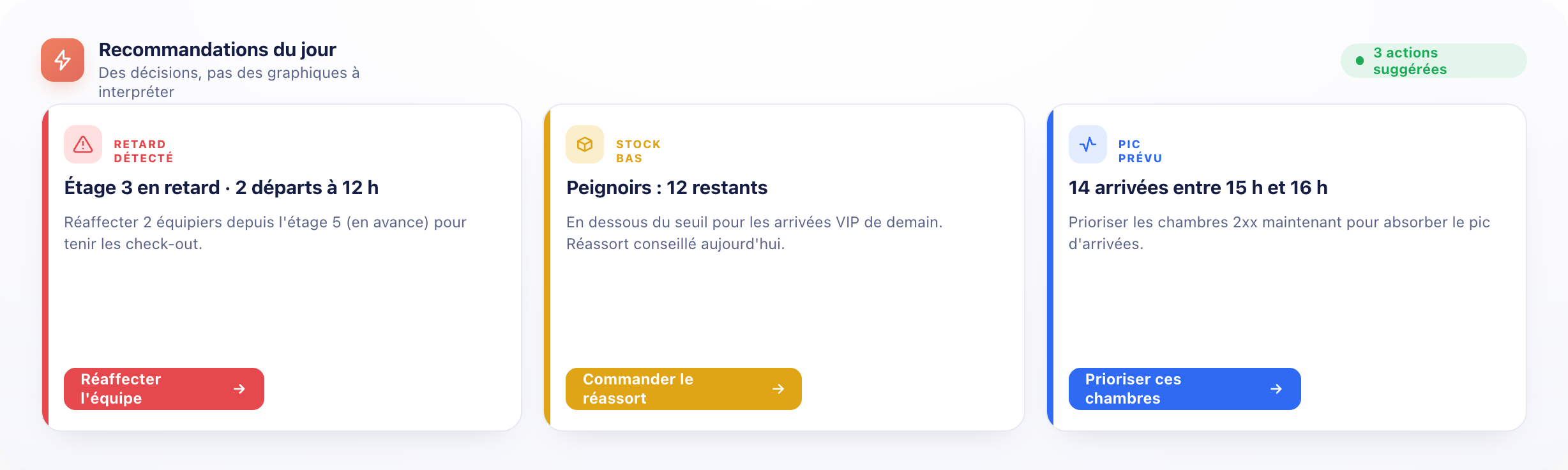
A PMS event, a schedule, a request, a checklist or an incident starts the right process.
A person, a team or a department receives the task with its context.
A delay, an unclaimed task or an exception triggers the response you configured.
HOPR reads the context, orchestrates execution and keeps the data you need to improve the workflows.
Rules turn operational events into structured tasks, without waiting for someone to pass the message on.
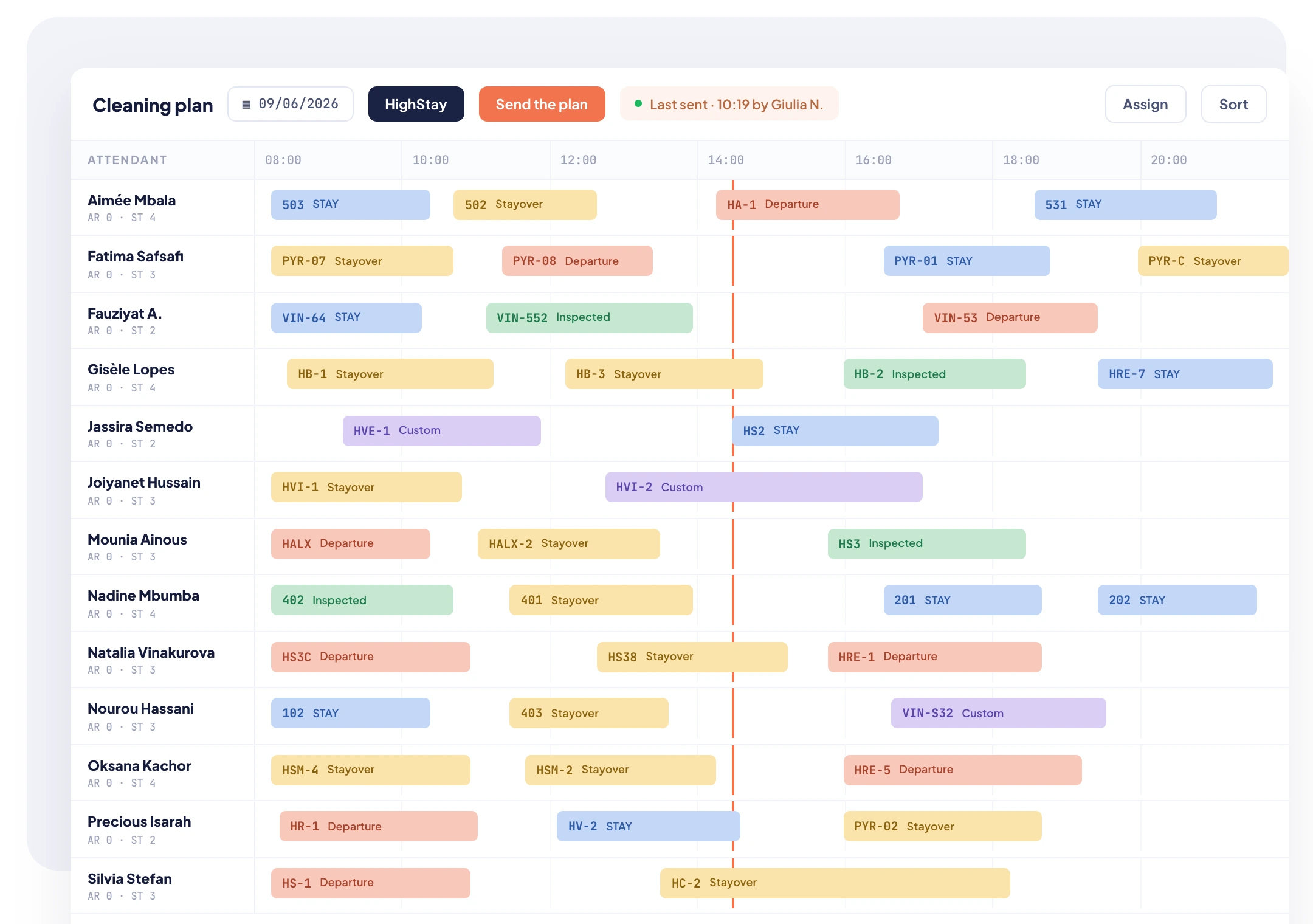
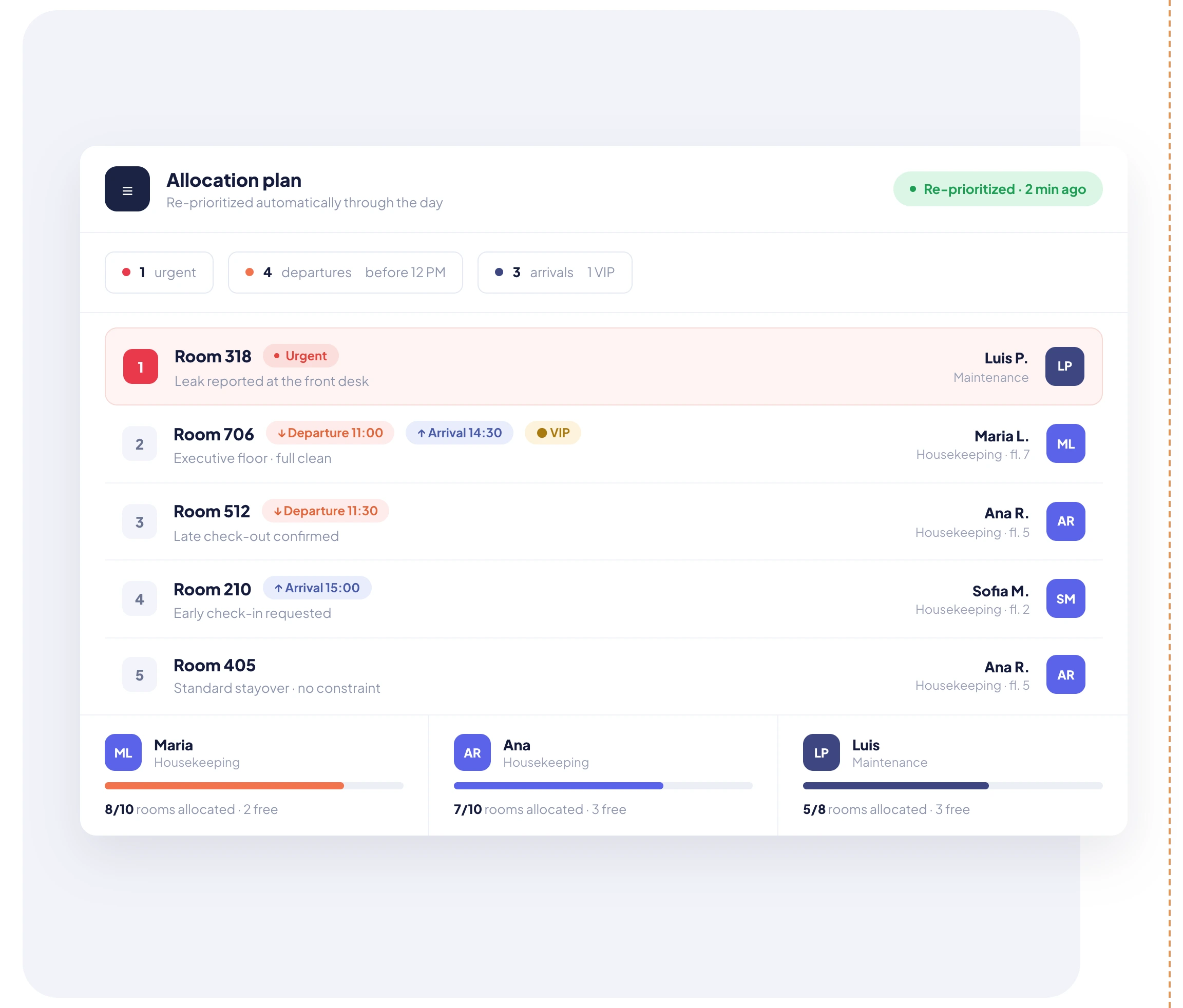
The rule names an owner, sets the deadlines and organizes the handover to the next step or department.
Every trigger, assignment, delay and status change stays available, so friction points are easy to spot.
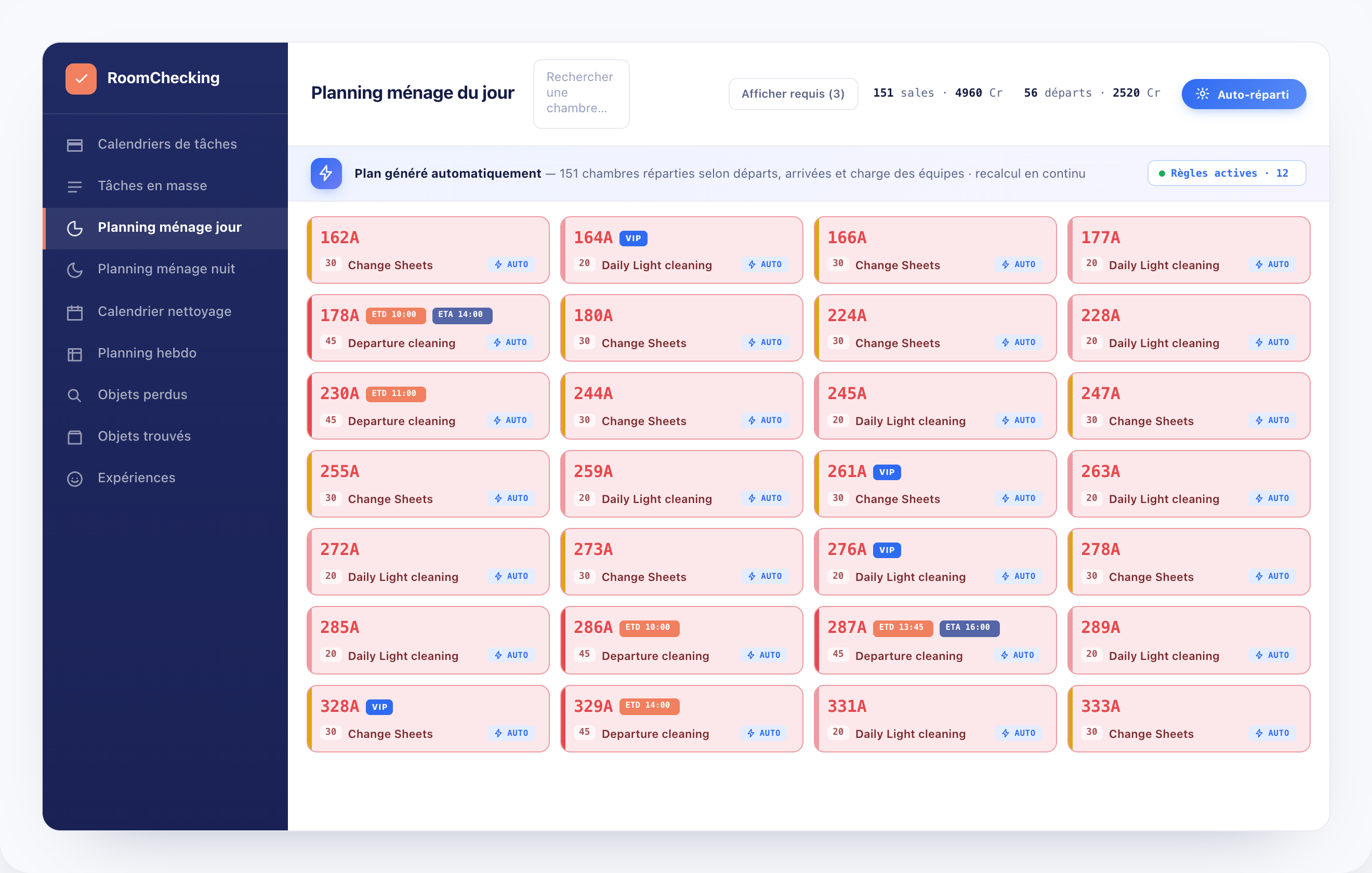
The manager sets the framework. HOPR moves the request forward and only escalates the exception.
A linen request is logged with its context.
The category, the zone and the priority are set.
The rule routes the work to the right group.
The runner accepts the task and makes the delivery.
An overrun applies the reminder or escalation you planned.
The closure and its history feed operational tracking.
Less invisible coordination, and more operations that move forward without depending on one person to chase everything.
Repetitive rules run on their own. Management steps in when the situation calls for a decision.
Triggers, owners, deadlines and escalations are applied consistently.
The manager keeps their time for judgment calls and unusual situations.
Trigger, assignments, reminders and resolution stay in the same history.
Where the connector allows it, PMS data triggers or enriches the workflows. The exact scope depends on the integration the property enables.
See the integrationsRules structure the day-to-day work while keeping you in control of the exceptions.
Talk to an expertNo. Workflows are configured from triggers, conditions, owners, priorities, deadlines and statuses.
Yes. An approval step or a manual edit can be built in wherever the context calls for it.
Depending on the rule, HOPR can send a reminder, reassign the task, change its priority or escalate it.
Yes, within the limits of the events and data available through the integration you enable.
Yes. A step completed by one department can trigger the next one's work, with the context already collected.
Alerts are configurable by event, priority, role or department, so only useful information gets through.
Yes. The history shows the trigger, the changes of owner, the statuses and the actions taken.
See which workflows HOPR can automate across your hotel while keeping managers in control of exceptions.