Different apartment configurations
Every apartment has its own layout, equipment and services. A single generic list is not enough to guide the teams.

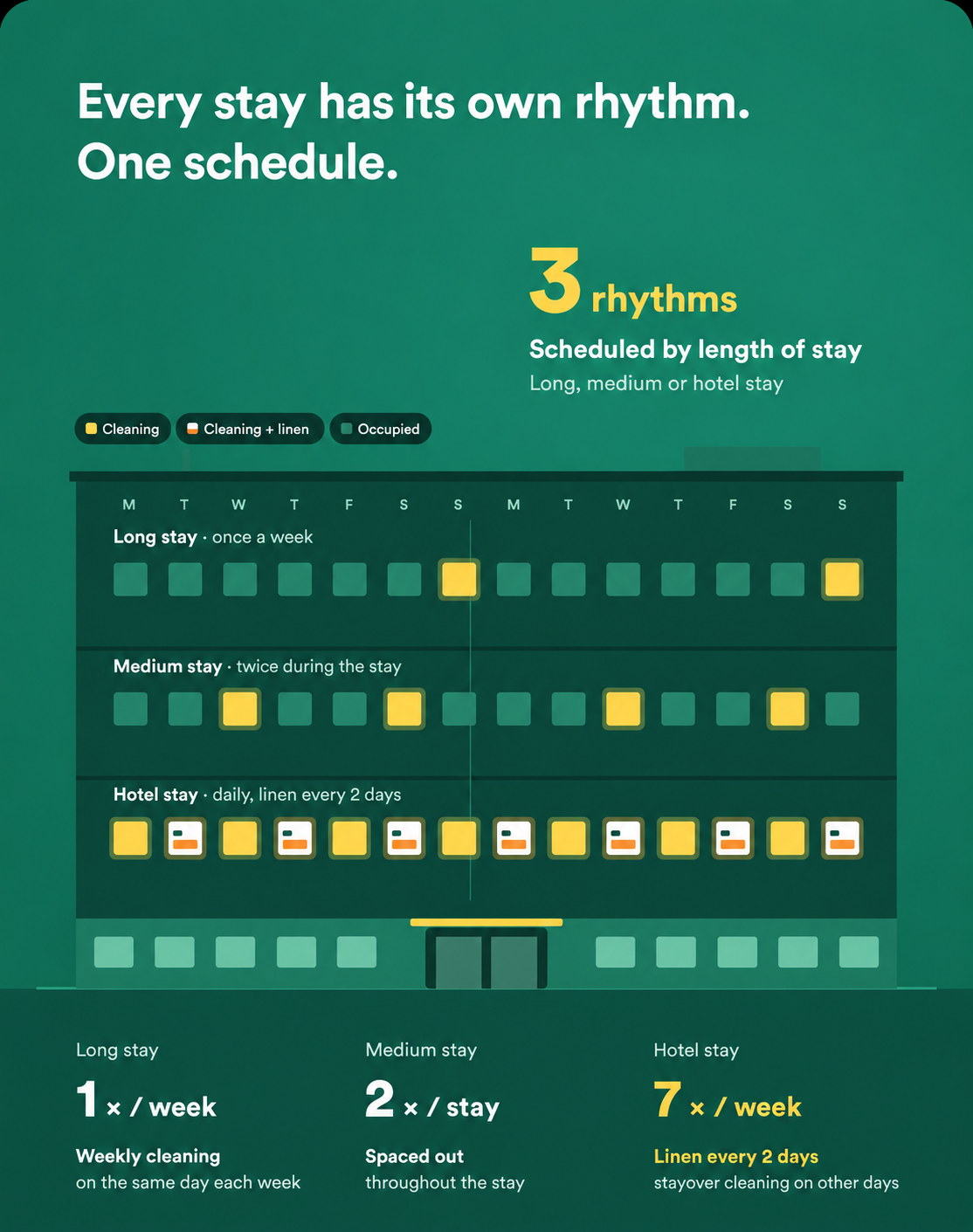
In a distributed operation, repetition does not guarantee consistency. A missing cot, a skipped check or undocumented damage can lead to a complaint and a time-consuming search for information. Teams also work with apartments that have different layouts and equipment. HOPR uses PMS events and unit-specific templates to trigger turnovers, in-stay services, equipment collection and inspections.
Every apartment has its own layout, equipment and services. A single generic list is not enough to guide the teams.
A missing item or skipped inspection can undermine the next arrival even when the cleaning has been completed.
Photos, reference conditions, costs and approval need to stay connected to the apartment and the intervention concerned.
Create cleaning, in-stay service and equipment delivery or collection tasks according to the booking events supported by your integration.
Structure checks before cleaning, after cleaning and at inspection before an apartment is marked ready.
Define the expected layout, equipment and reference condition to guide the teams.
Replace vague reports with usable information linked to equipment or consumables.
Attach time, materials, photo evidence and a proposed charge to the correct apartment.
Keep preparation and approval connected from the moment a guest leaves.
The departure triggers the turnover workflow for the apartment type.
The team completes its pre-cleaning checks and photographs damage against the reference condition.
A maintenance task is created for the asset concerned; time and materials can be linked to the case.
The final inspection checks the mandatory steps before the apartment is made available again.
The documented charge goes through the approval process before any transmission to the PMS, where the integration supports it.
Reduce manual task creation from booking information.
Harmonise execution between units and service providers.
Capture evidence at the point of discovery.
Understand costs by apartment and type of intervention.
Make the condition and readiness of the portfolio visible.
Configuration starts with apartment types, booking events, optional services, asset catalogues and approval levels. A sample of apartments is tested from end to end before the setup is repeated across the portfolio. PMS triggers and charge transmission depend on the integration used.
Events received from the PMS can trigger preparation and service tasks. Available events are defined according to your PMS and the integration used.
Checklists structure the checks before cleaning, at the end of cleaning and during inspection, so each stage is verified before the apartment is made available.
Catalogues and templates are organised by apartment type or by unit, including the equipment, photos and reference condition the teams need.
Damage leads to a documented proposal and an approval. Sending a charge to the PMS depends on the integration; it does not replace the validation defined by your organisation.
Linking time and materials to tasks and units makes it possible to track costs by apartment and type of intervention.