Standards that drift apart
When every hotel recreates its checklists and methods, head office can no longer be sure that the same indicator measures the same activity.

HOPR by RoomChecking
HOPR by RoomChecking gives head office a common framework and local teams the flexibility they need to run their hotel. Templates, permissions, KPIs and operational history are shared while preserving the requirements of each property.
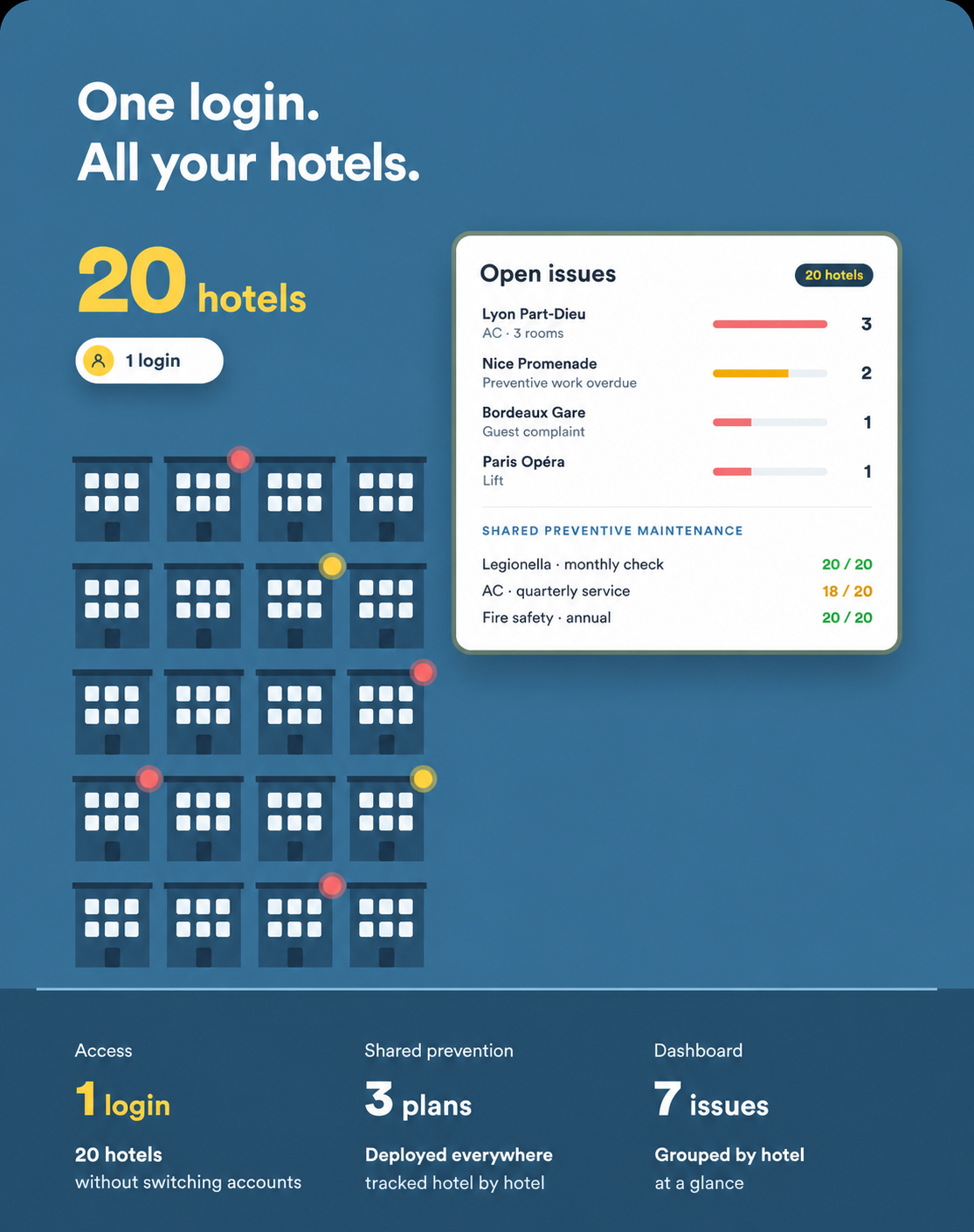
A hotel group has to balance two risks: allowing every hotel to reinvent its methods, or imposing a standard too rigid to fit the property. Differences in checklists, KPI definitions and approval levels make comparisons difficult. HOPR helps organise a central reference, distribute templates by property and keep local exceptions within a controlled framework. Leadership can compare the data and identify where support is needed.
When every hotel recreates its checklists and methods, head office can no longer be sure that the same indicator measures the same activity.
Local teams need to adapt execution while respecting group rules, approvals and responsibilities.
Separate tracking files delay comparisons and decisions about which properties need support.
Create shared procedures, checklists and workflows, then define how they are applied and adapted at each hotel.
Define the responsibilities of head office, hotel management, department managers and operational teams.
Compare properties using common indicators, with access to the detail of a building, team or period.
Distribute useful information according to each manager’s scope and define the exports needed for your reporting.
Make available assets and spare parts visible, and organise the rules for transfers between sites.
Connect a shared quality standard to day-to-day execution at each property.
Head office prepares a common checklist, its scoring rules and the evidence required.
The template is assigned to the relevant hotels according to the agreed rollout scope.
Each local manager confirms implementation and configures the exceptions allowed.
Inspections feed comparable indicators; deviations trigger corrective action at the appropriate level.
Group management reviews the consolidation and opens a site’s details without requesting another spreadsheet.
Put common operating standards into practice across the group.
Keep accountability at property level well defined.
Compare data built using the same definitions and rules.
Reduce the proliferation of separate files and manually prepared reports.
Build on methods that work and make them available to other properties.
Scoping starts with central roles, local responsibilities, shared templates and common indicators. A pilot hotel lets you test the rules before a gradual rollout. PMS data exchanges and exports are defined around the tools used by the group.
Shared checklists, procedures and workflows structure execution across sites. Scoping defines how they are distributed, updated and adapted.
Yes. A common framework can include local settings and exceptions. Permissions define who may change them and within which scope.
Use indicators with the same definitions, then filter results by property, period, department or type of action.
Permissions organise access by responsibility and property, from head office to operational teams.
Deployment can begin at a pilot hotel with a limited number of templates and indicators, then expand at the group’s pace.