Dependent on other departments
Reception receives the request but does not always carry out the required action.

HOPR by RoomChecking — Front office
HOPR by RoomChecking gives the front desk a clear operational view: room status, open requests, ownership, deadlines and resolution. Reception remains the guest’s point of contact with less manual coordination.
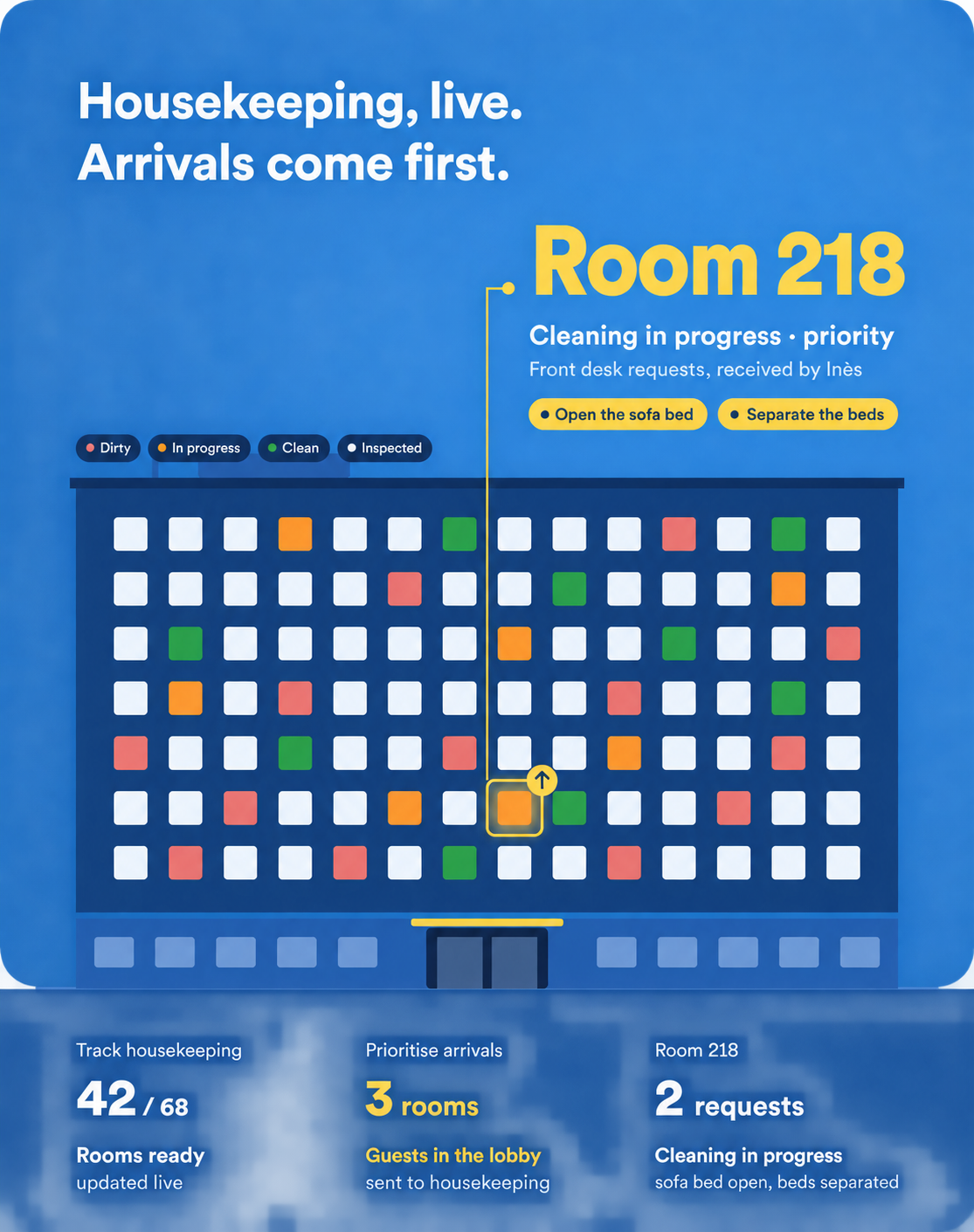
The front desk receives guest requests but often depends on other teams to resolve them. When progress is tracked by phone or messaging, it becomes difficult to give a timeframe, confirm that someone is handling the issue or prepare a handover. HOPR turns the request into a structured action and shares progress with the relevant roles, so reception can respond using a real operational status.
Reception receives the request but does not always carry out the required action.
Phone calls and messages make ownership and timing difficult to confirm.
A shift change should not lose a request or a promise made to a guest.
Check availability, cleaning, inspection, technical blocks and current requests within your authorised scope.
Send work to the right team with the room, priority, context and attachment.
Share relevant times with housekeeping, porters and managers.
Bring operational links, procedures and useful handover information together with appropriate access.
Connect a guest issue to a request, service deadline and evidence of resolution.
The front desk keeps sight of progress while each team completes its part.
Reception logs the request with the relevant reservation or room context.
The required tasks are created and assigned to a runner, housekeeping or maintenance.
Each team updates its status within the same operational workflow.
Reception monitors the deadline and gives an update based on actual progress.
If a request remains unresolved past its deadline, an escalation alerts the manager and keeps the context available for the next handover.
Reduce progress-check calls to other departments.
Follow commitments with a shared deadline.
Retain the context needed by the next team.
Prevent a guest request from disappearing in a conversation.
Review common request types and their resolution times.
Start with quick forms, clear categories and statuses relevant to reception. Permissions provide useful visibility without overloading the interface. Internal notes remain separate from information intended for guests.
Visibility depends on the role. Reception can see relevant statuses and deadlines without access to every production detail.
Yes. Each action has an owner, status, deadline and history.
Open requests, significant incidents and guest commitments are brought together in a structured handover.
The request keeps its room or stay context according to the available data and PMS integration.
Deadlines and escalation rules surface requests that need a decision or an update to the guest.
A guest request, its assignment to an operational team, status updates, reception’s response and the next shift’s handover.