A clear owner for each action
Every action is assigned and tracked. The request keeps its location, context and history as it moves between departments.

HOPR by RoomChecking · By team
Housekeeping, maintenance, front office, concierge and F&B face different priorities. HOPR connects their workflows in one platform, giving each team the information it needs and sharing useful status updates across departments.
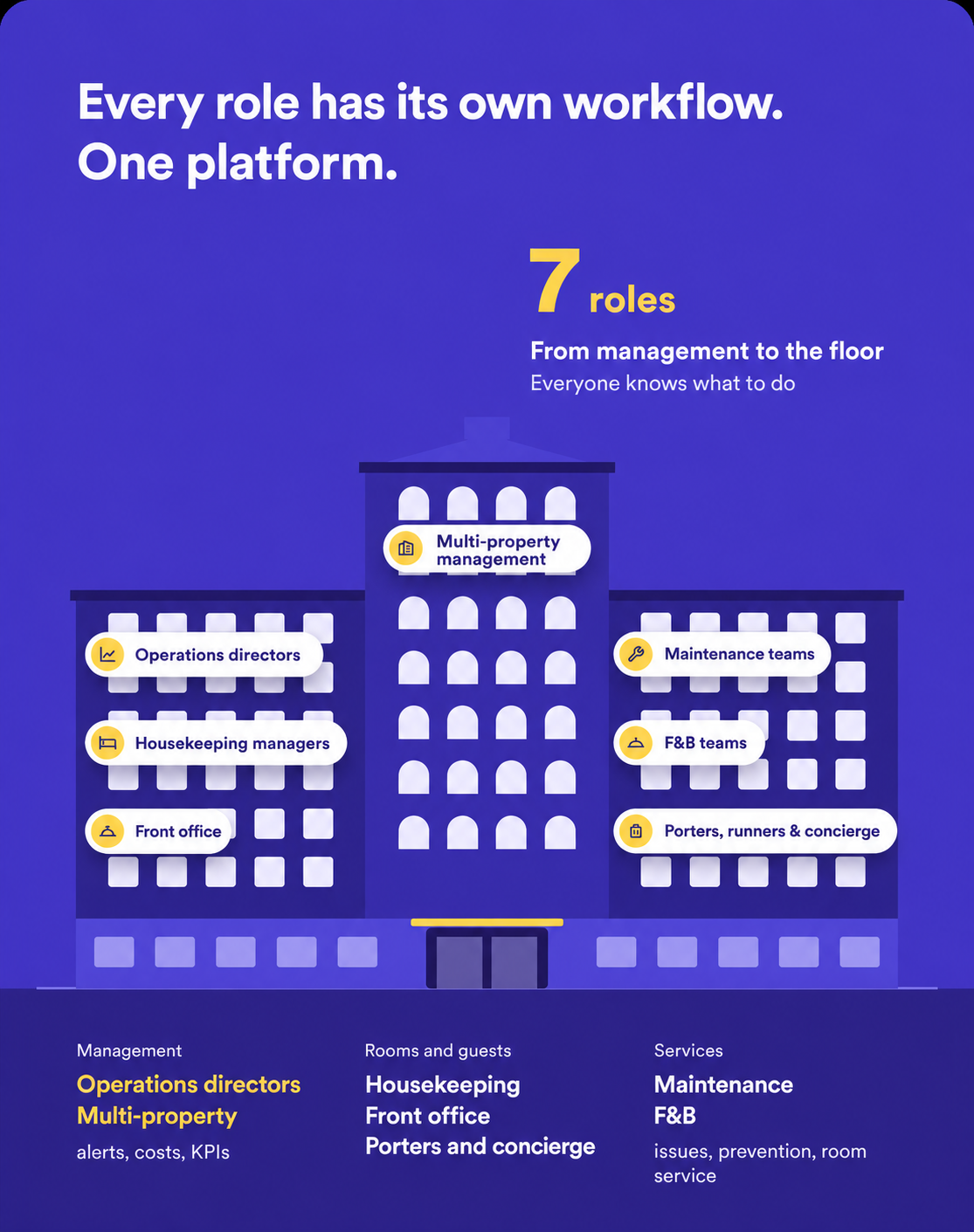
Run the day with the alerts, activity history, costs and checks you need to make operational decisions.
Explore →
Build and adjust schedules, balance workloads and track inspections and quality issues.
Explore →
Prioritise incidents while organising preventive maintenance, equipment records, spare parts and contractors.
Explore →
Follow room status, requests and interventions so you can answer guests with up-to-date information.
Explore →
Organise errands, luggage and quick requests with zone-based assignment and a clear record of completion.
Explore →
Connect forecasts, minibar, room service and shift handovers with the property's wider operation.
Explore →
Set shared templates, permissions and indicators, with governance that supports each property's operation.
Explore →
A request moves to another channel, a handover stays verbal or a priority goes unseen: work loses continuity. HOPR turns events, requests and checks into assigned, tracked and documented tasks.
Every action is assigned and tracked. The request keeps its location, context and history as it moves between departments.
Frontline teams get a clear task list, managers organise and resolve priorities, and leadership keeps an overview.
Open tasks, issues and comments stay connected to the work throughout the day and between shifts.
A room needs maintenance before the guest arrives. Every team needs to act on the same context without piecing the information back together.
Information from the PMS or front office triggers the action that needs to be completed.
The incident comes with its priority, location and the attachments needed for the intervention.
The team sees the status that determines when it can clean or inspect the room.
Reception can check the task status to update the guest without repeated follow-up calls.
As a deadline approaches, escalation rules notify the person responsible.
Actions, timing and associated costs remain connected to the intervention.
Requests, incidents and priorities stay in one flow of work, supported by shared assignment and escalation rules.
Everyone sees the information and actions relevant to their work while keeping other departments informed.
Photos, comments and status changes stay attached to the task, so teams can see what was completed and what still needs attention.
Open tasks and unresolved incidents carry through to the next shift. The history then helps managers understand recurring issues.
Planning starts with a recurring problem and a concrete workflow. We define responsibilities, permissions, the information each role needs and the rules for passing work between teams.
Teams share a common data foundation, with views, filters, actions and permissions suited to their role. Frontline staff and managers have workflows built around their respective needs.
Yes. An issue reported by housekeeping can become a maintenance task, or a guest request can trigger an errand for a runner. Rules connect events to the teams that need to act.
Yes. Attachments, comments, statuses and reassignments remain connected to the action. That history lets teams recover the context of an intervention.
Yes. Notifications and escalation rules help flag priorities or deadlines to the relevant manager. They are configured around your responsibilities and workflows.
Yes. Pending tasks, unresolved incidents and follow-up information can be grouped to help maintain continuity between shifts.
Permissions, filters, priorities and assignment rules keep each workflow focused on useful information and actions. Defining these settings is part of planning your rollout.