Scattered information
The PMS, schedules and service reports each show only part of the picture.

HOPR by RoomChecking — Operations directors
HOPR by RoomChecking connects every task, incident, inspection and cost to a traceable timeline. Directors can see priorities, bottlenecks and recurring issues without waiting for separate reports to be compiled.
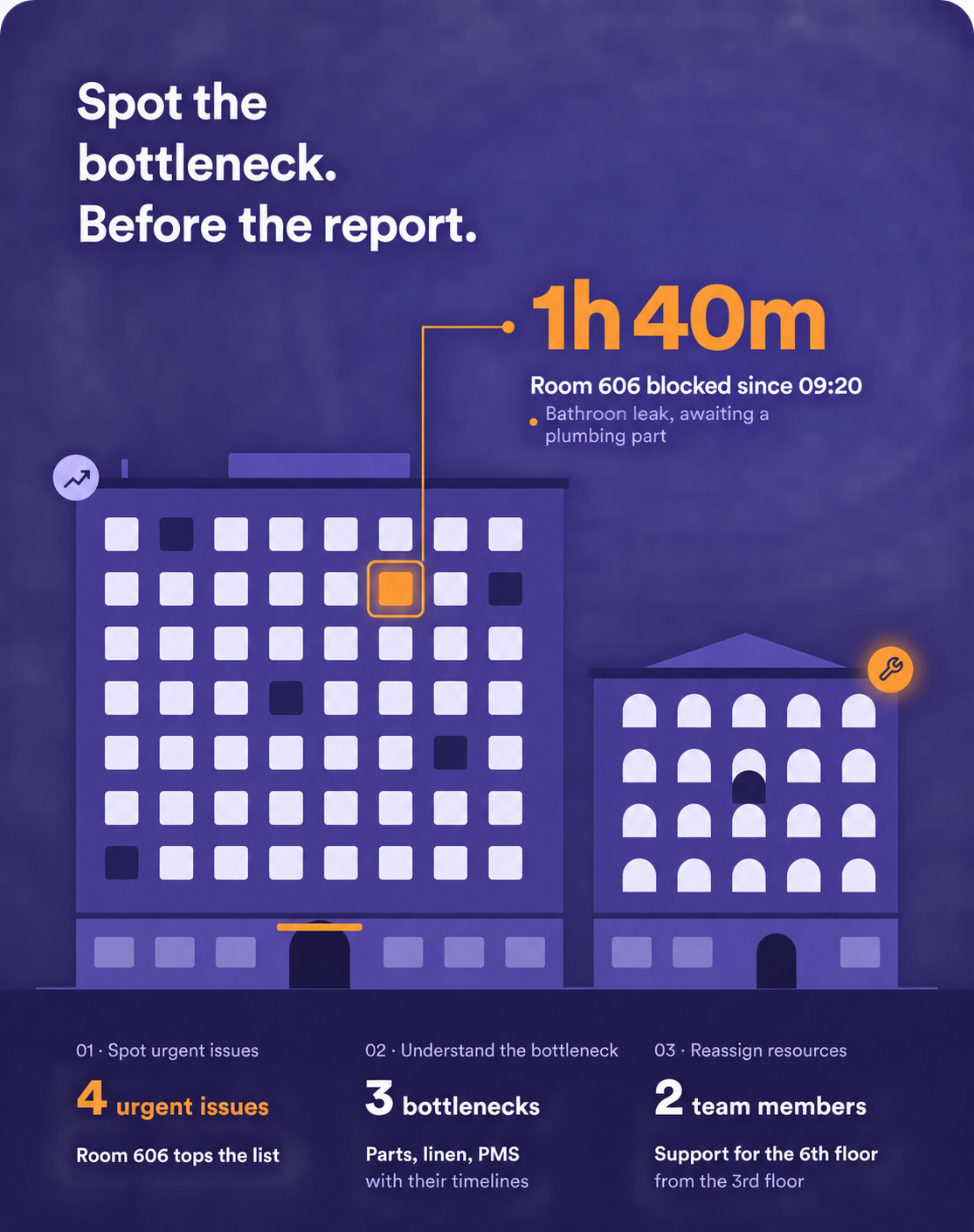
Hotel operations directors constantly balance service standards, team availability, technical emergencies and costs. Yet much of the information is spread across the PMS, messaging tools, schedules and departmental reports. HOPR structures everyday actions: creation, assignment, time spent, status, evidence, comments, reassignment and resolution. Management information emerges from the work itself, reducing the need for separate administrative reporting.
The PMS, schedules and service reports each show only part of the picture.
Priority arrivals, available capacity and technical emergencies require a shared decision.
Without a common history, an isolated incident can be difficult to distinguish from a deeper problem.
See blocked rooms and spaces, overdue tasks, service deadlines at risk and critical actions.
Trace who created, assigned, started, commented on or closed an action, with its supporting evidence.
Review activity by department, zone and period to prepare operational reviews around relevant information.
Connect inspection results, exceptions and corrective work within the same improvement cycle.
Associate time, materials and consumables with the work to support operational decisions.
A maintenance issue is holding up inspections while priority arrivals approach.
The cockpit surfaces priority arrivals, blocked rooms and tasks approaching their service deadline.
The director identifies a maintenance incident preventing several inspections from being completed.
Work is reassigned with its context intact, and the front desk sees the updated statuses.
Critical exceptions remain visible until they are resolved, with a photo and comment attached.
The director reviews lead times, recurring issues and costs without requesting a new report from department managers.
Act sooner using information shared across the operation.
Reduce the need to chase department managers for progress updates.
Connect service quality, team workload and costs.
Distinguish isolated incidents from repeat problems.
Prepare discussions with traceable data from completed work.
Focus the cockpit on useful decisions: delays, bottlenecks, priorities and costs. Deployment defines indicators, alert thresholds, data access and recipients, with action-level detail available to explain the results.
Tasks, statuses, lead times, reassignments, evidence, audits and costs can feed your views, depending on configuration and integrations.
Filters let you review activity by property, building, team, category and period, so each comparison has a clear scope.
Build the cockpit around exceptions: delays, service deadlines at risk, bottlenecks, recurring issues and unusual costs. Each view should support a decision.
Yes. The operational history explains the indicator through the owner, status changes, comments and evidence.
Priorities, deadlines and escalation rules are configured to surface situations requiring a manager’s attention.
A cross-department incident, reassignment, escalation and resolution, followed by a review of lead times and costs in the cockpit.